How to free Chrome's memory without closing tabs
28 September 2026 · 3 min read
Chrome's Memory Saver
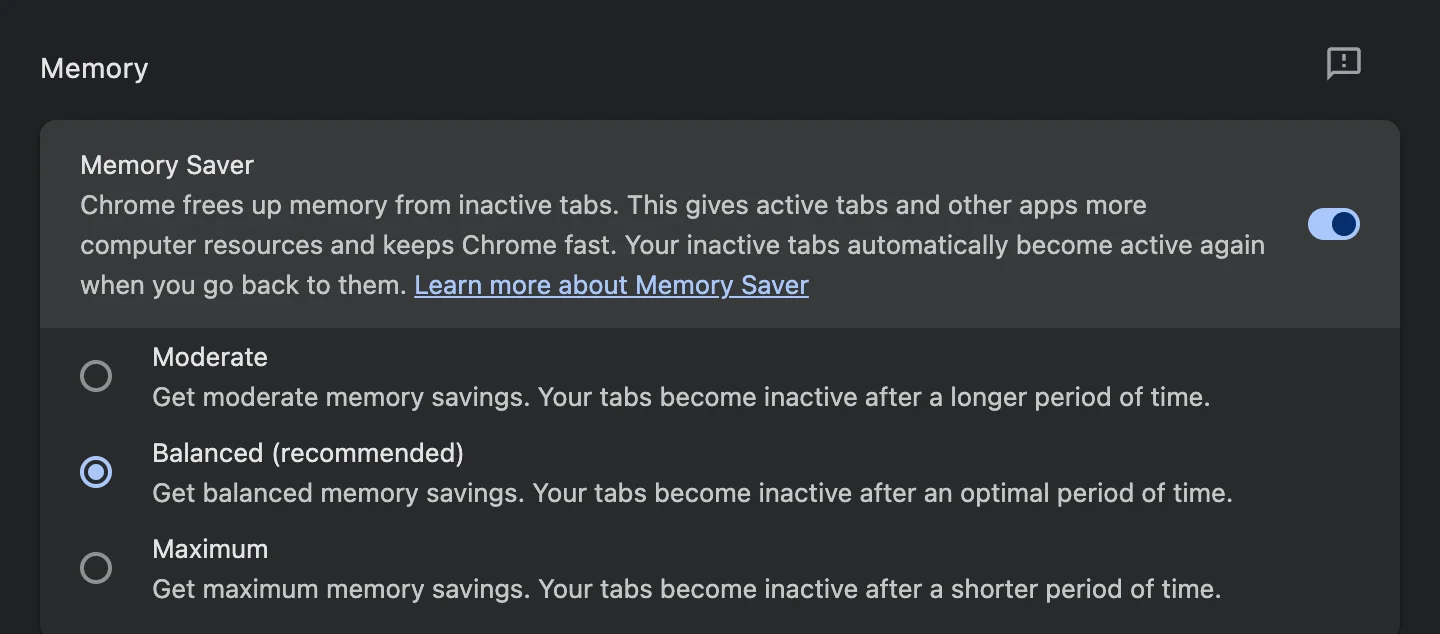
Settings → Performance → Memory Saver. Chrome unloads tabs you're not using and reloads them when you click. Moderate, Balanced and Maximum decide how soon.
On your own timing
Chrome decides for itself when a tab counts as unused. With WithFew (our extension), the ready-made Memory saver workflow puts a tab to sleep after exactly 30 minutes unused: unloaded, in the same place, reloaded when you click it. Nothing is moved or closed. Change the 30 minutes to anything you like.
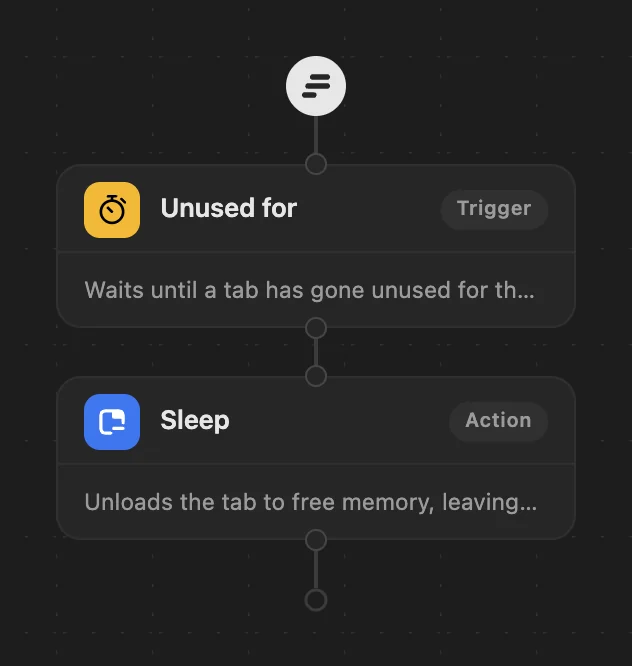
You can also unload only some sites: put a Condition with a Domain before Sleep. The Social timeout workflow does this for social and video sites.
WithFew is free for 7 days, then $5 a month.